Seisa
Seisa is a tool that runs on your own computer and helps you judge whether an IP address, a link, a DMARC report or an e-mail can be trusted, and lets you report abuse to AbuseIPDB.

Seisa 2.7.1
What it is for
- You received a strange e-mail and cannot tell whether it is a scam. Seisa takes it apart and explains, step by step, where it really came from.
- Someone is scanning your server, or a strange address connects to it. Seisa checks it in several sources at once and gives you one risk score.
- You want to know who sends mail on behalf of your domain. Seisa reads DMARC reports (summaries sent by mail providers) and shows them clearly.
- You want to report abuse to AbuseIPDB but do not want to get lost in the process. Seisa prepares the report and checks it, and sending it is always up to you.
What it does
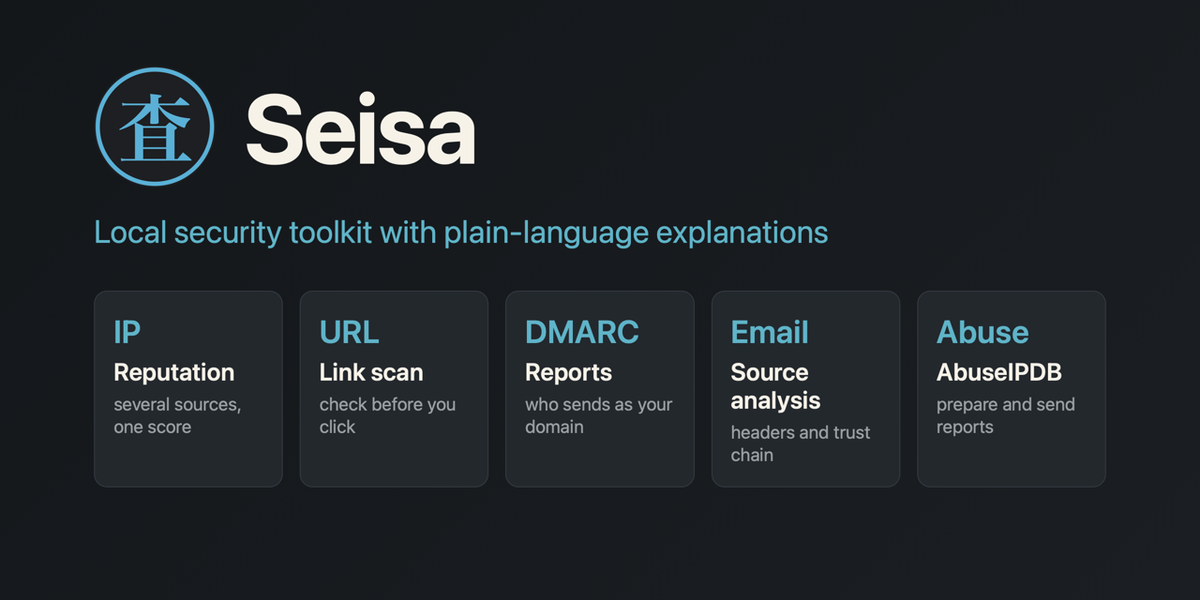
- IP: checks an IP address or a domain in several sources at once and combines the results into one risk score from 0 to 100.
- URLScan: asks urlscan.io to open a suspicious link for you and returns a report with a screenshot, so you never have to visit the page yourself.
- DMARC: reads the DMARC reports of your domain and shows who sends mail in your name.
- Email: explains a suspicious e-mail step by step: facts calculated locally, plus an optional lesson from a language model.
- AbuseIPDB: prepares and checks an abuse report about an e-mail's sender and, after you click, sends it.
- History: your recent checks, scans, analyses and reports in one place.
- Logs and Info: service errors, version, API keys, limits, language and appearance.
Right after installation Seisa can already do something useful, but most of its knowledge comes from outside services, and those need API keys.
- Without any key: analysis of an e-mail's source without the language model, WHOIS, RDAP and DNS checks in the IP tab, and reading DMARC reports.
- With free keys: reputation of IP addresses, link scans and AbuseIPDB reports. VirusTotal, urlscan, AbuseIPDB, GreyNoise and other services have free plans with limits that are enough to run Seisa.
- With an OpenRouter key: a step-by-step lesson in the Email tab and help with drafting AbuseIPDB reports. OpenRouter charges you for what you actually use.
You do not edit any files: paste each API key in the Info tab.
The interface is available in Polish and English.
API keys: what they are and why Seisa needs them
Seisa has no threat database of its own. To assess an IP address or a link, it asks specialised services such as VirusTotal, urlscan.io, AbuseIPDB or GreyNoise.
Each of them wants to know who is asking, so it gives the user an API key: a long code that works like a personal entry pass. You create a free or paid account with the service (prices and limits are set by the service itself), copy the key and paste it into the Info tab. Seisa saves it in a .env file on your computer and from then on asks that service on your behalf.
For Seisa to work in full, it needs keys for the services you want to use: without a key, that one service is simply skipped and the others keep working.
- The URLScan tab does not work without a urlscan.io key.
- Sending reports to AbuseIPDB requires an AbuseIPDB key.
- The IP tab gives the best assessment when it has several keys at once, because it compares several sources.
- WHOIS, RDAP and DNS (public registers that say who owns an address or a domain) work without a key.
- The language-model lesson needs an OpenRouter key and is paid per use. Without it you still get the full e-mail analysis calculated by the program.
You do not need to collect all the keys at once. Start with none and add more whenever you want to switch on the next service. The Info tab shows which key is set and which is not, but never shows the key itself. The full list of services and where to get the keys is in the project README.
Privacy: it works for you, not for someone else
This is Seisa's most important feature. A tool for analysing suspicious messages should not itself be one more place where those messages leak.
- Local. Seisa listens only on the address
127.0.0.1, so it is reachable only from your own computer. There is no account, no telemetry and no update check. - Nothing without your click. Nothing goes to an outside service until you ask for it. There is one documented exception: the check of the IP address in the report form, and only if you have an AbuseIPDB key.
- Facts come from code, not from AI. The sender's address, the mail route and the SPF, DKIM and DMARC results (tests that show whether a message really comes from the domain it claims) are calculated by an ordinary program. The language model only explains them. The reason: the text of an e-mail is written by a potential fraudster, and a model can be fooled by hidden instructions in that text. Code cannot be talked into anything.
- Distrust by default. Links from e-mails are never clickable, and nothing from a message is opened or downloaded.
- Reports by hand. A report to AbuseIPDB goes out only after your click and after strict checks.
You will find the full list of what leaves your computer, for which action and to whom, in the privacy document.
Getting started
You need macOS or Linux, Python 3.11 or newer (the installer tells you if it is missing) and a browser.
git clone https://github.com/arcymonek/seisa.gitcd seisabash install.sh./seisa.shThe installer prepares a private Python environment and a settings file. The last command starts Seisa and opens your browser at http://127.0.0.1:54321.
No git? You can download a ZIP, and the steps are in the operations guide.
Seisa 2.7.1
Try it without any key. Right after installing you can load a DMARC report, paste the source of an e-mail and click "Analyze without LLM", or check an IP address (WHOIS, RDAP and DNS answer without a key). Every key you add later switches on one more service: VirusTotal, urlscan.io, AbuseIPDB and others.
Good to know
- Windows is not supported directly (it may work through WSL, but that has not been tested).
- Some sources need your own API keys. You create an account with the service, and Seisa shows you where to click.
- The language model is optional and paid per use (through OpenRouter). Without it you get the whole deterministic analysis.
- This is a hobby project developed by one person, so a reply to an issue may take a few days.
- The code, tests and documentation are written with the help of Claude Code, an AI assistant from Anthropic, under my direction. I decide, I check that it works and I am responsible for the releases.
Screenshots
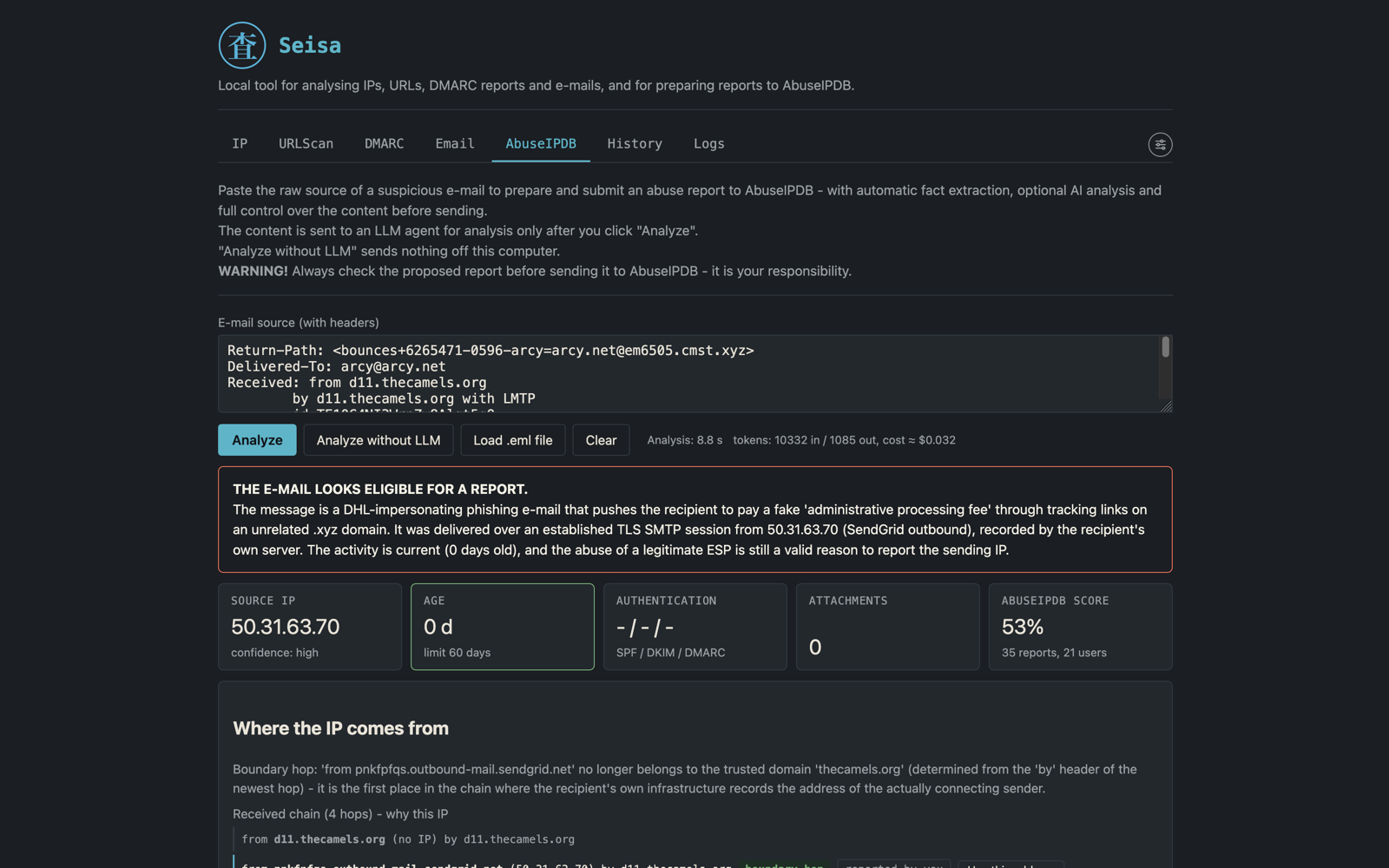
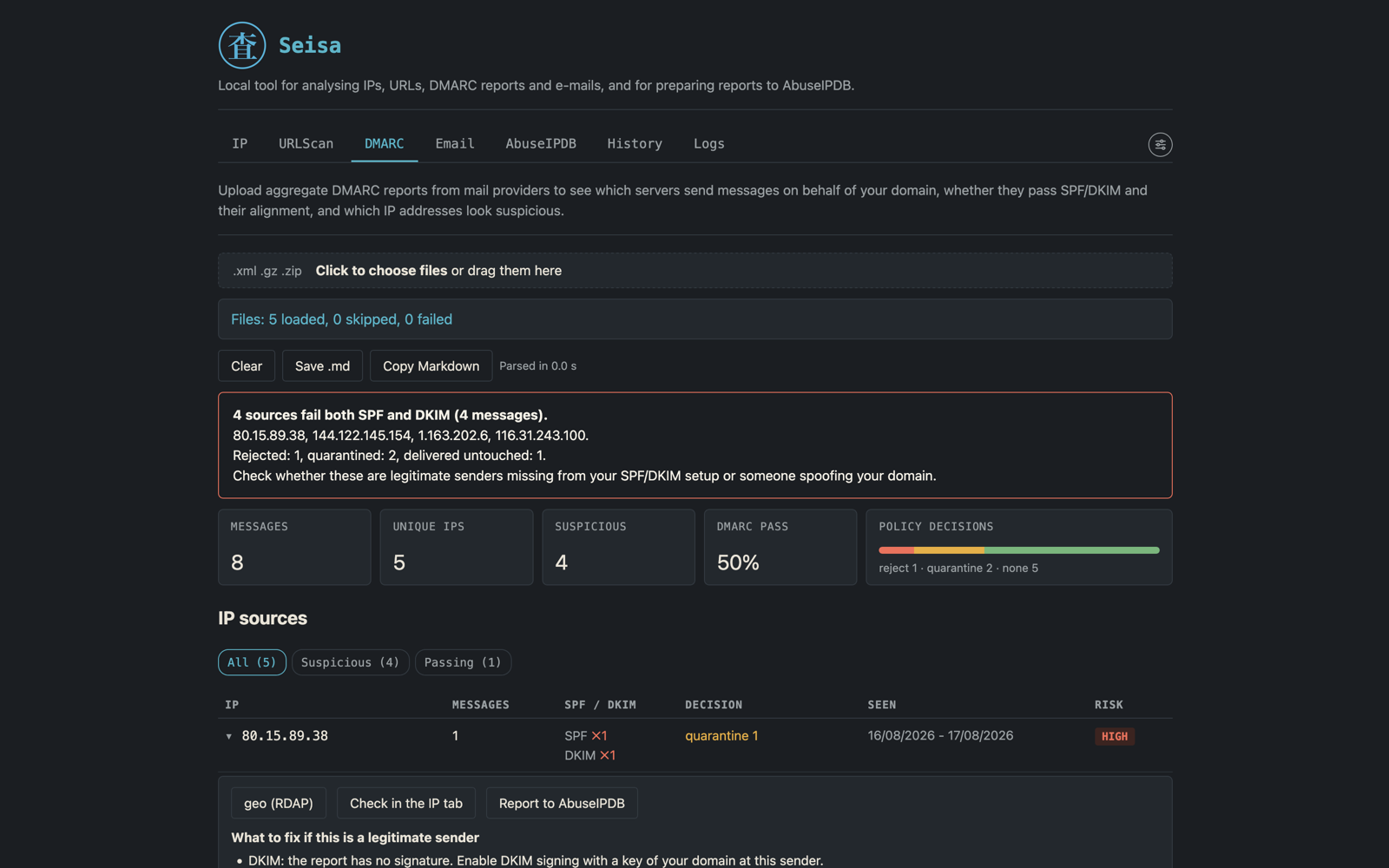
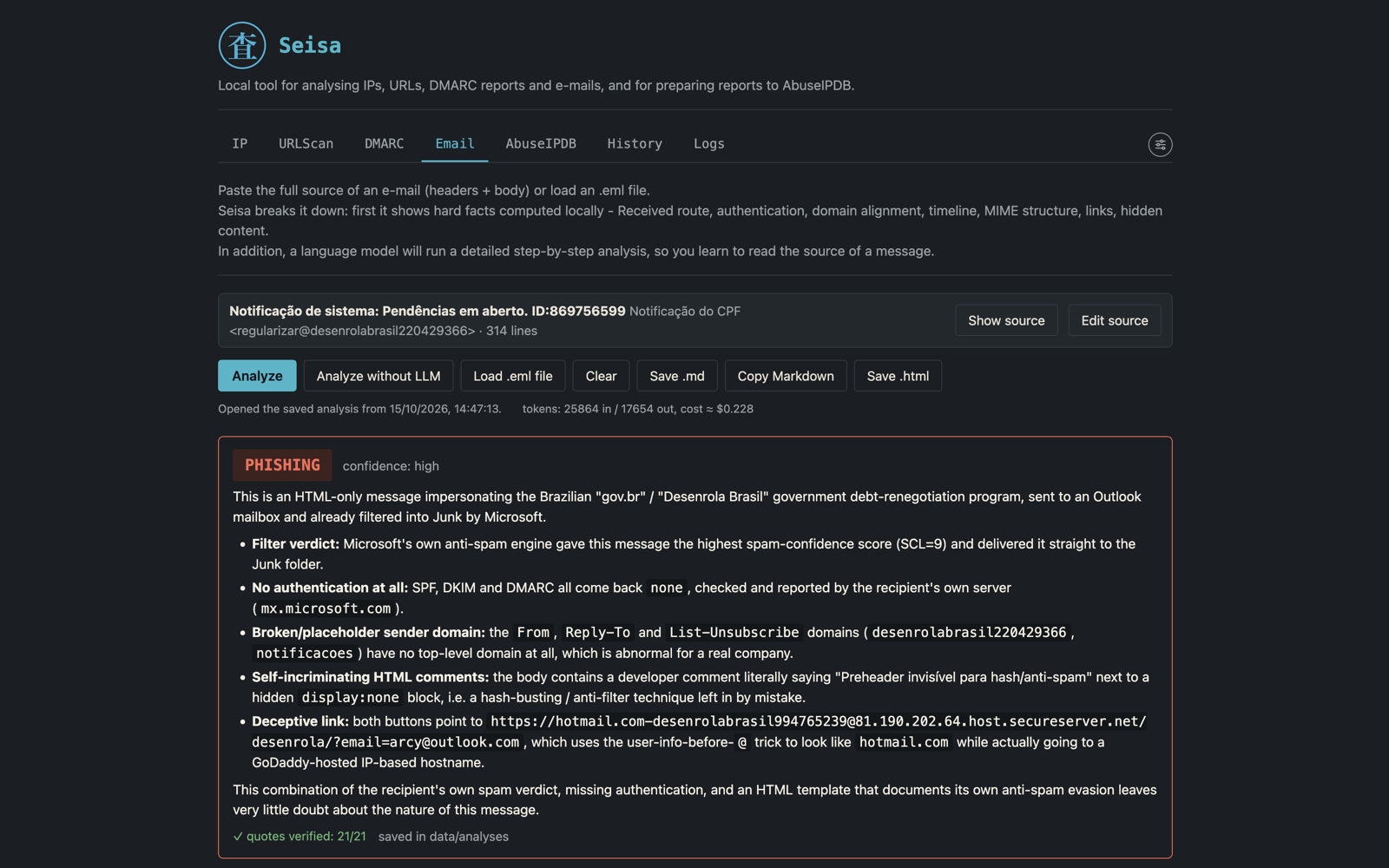
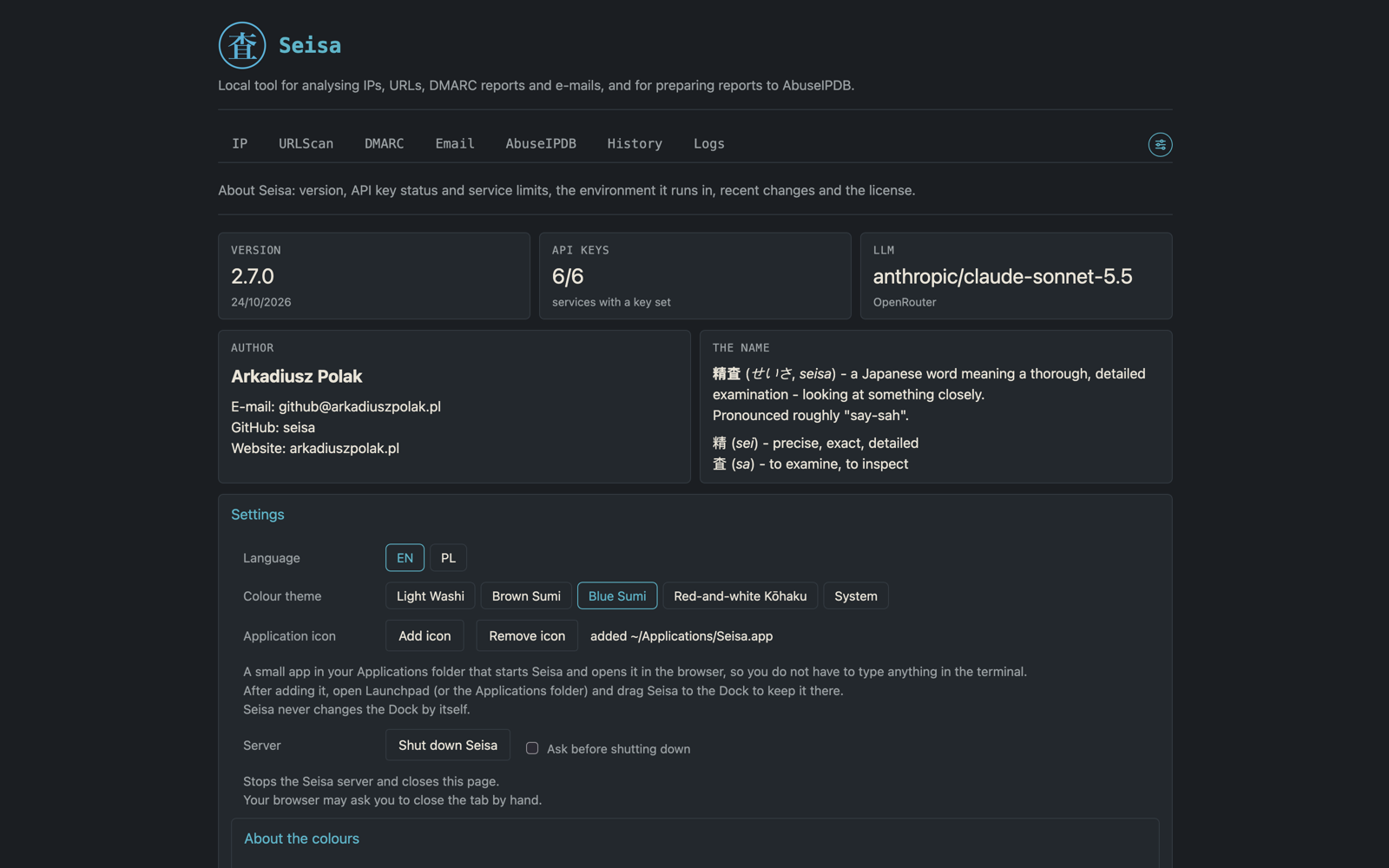
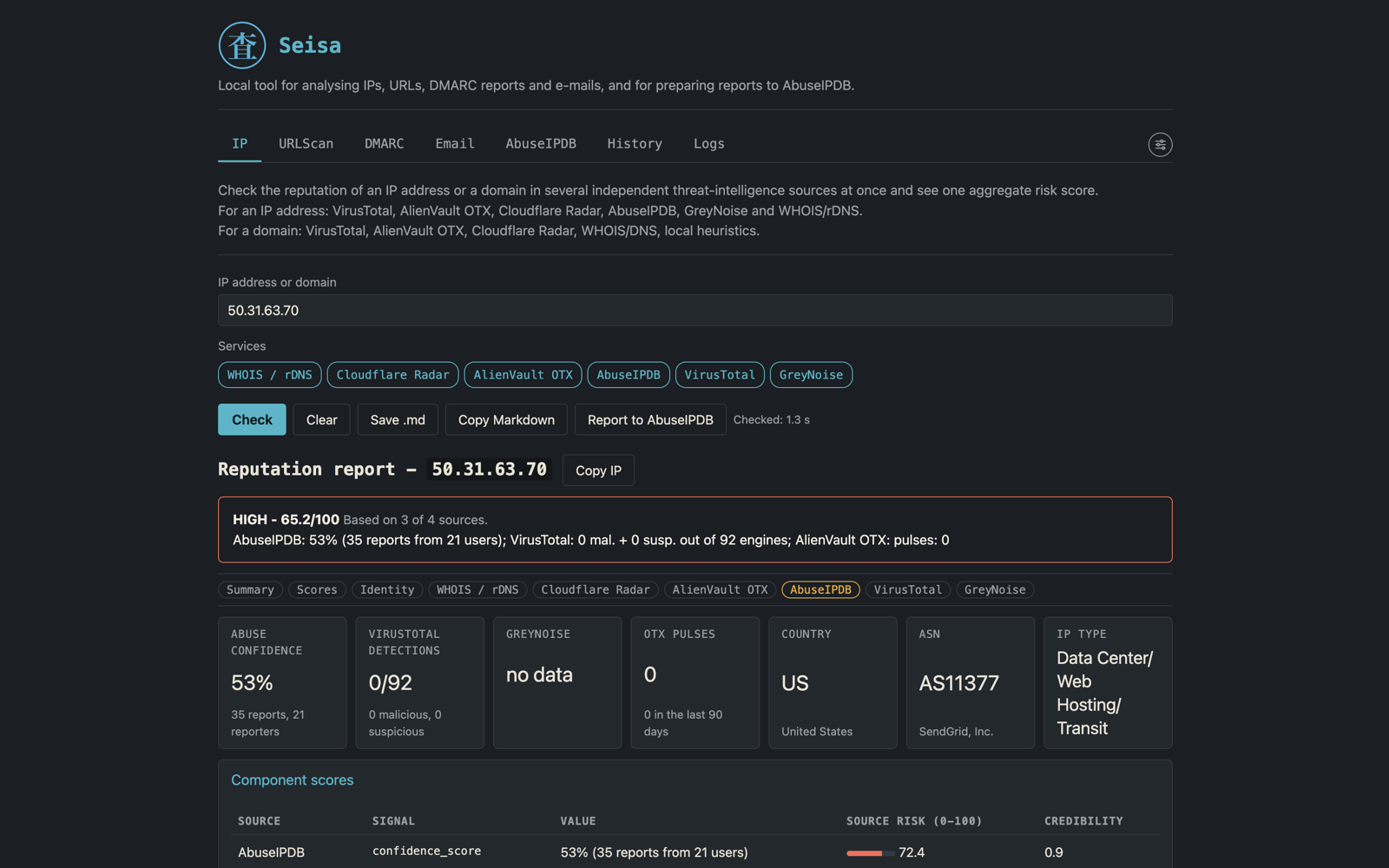
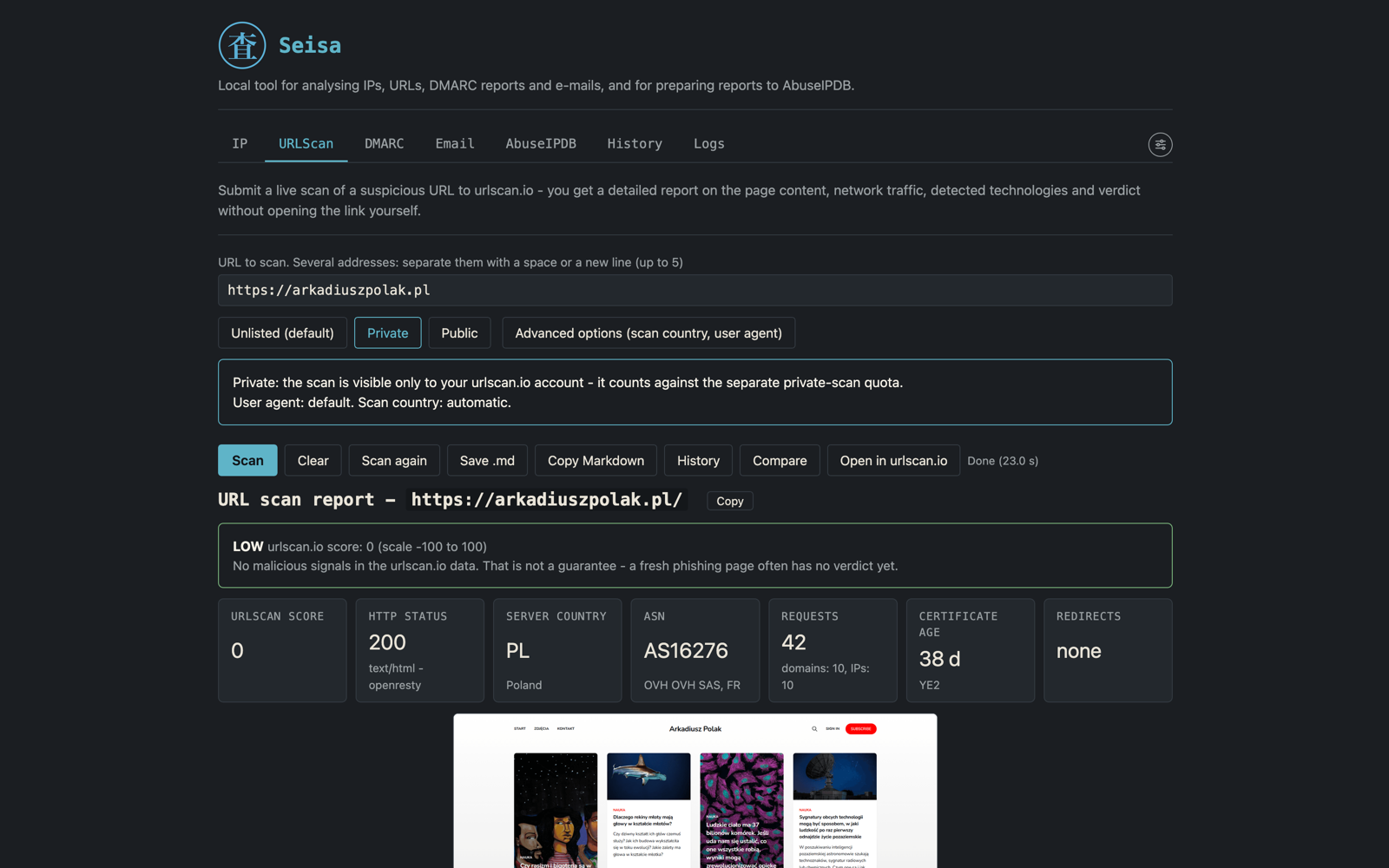
Seisa screenshots
Free software
Seisa is licensed under GPL-3.0-or-later: you may use it, change it and share it, also commercially, and a modified version must stay under the same licence together with its source.
You can help without programming: report a bug or something unclear, fix a sentence in the documentation, improve a text in the interface, or pick a task labelled good first issue. Start with the contribution guide.